
Building a strong brand mindshare requires a unified visual identity across all your customer communications. This guide will walk you through setting up your default branding elements to ensure your users receive a consistent and professional email experience.
Overview
You can access these configurations by navigating to Settings -> Branding. In this section, you can define the overall brand name, logo, color palette, and typography. Once configured, FosterFlow will use these settings as the default values for your email templates, popups, saving you time and ensuring consistency.
Brand Identity
The Brand identity section is where you establish the core textual and visual identifiers of your business.
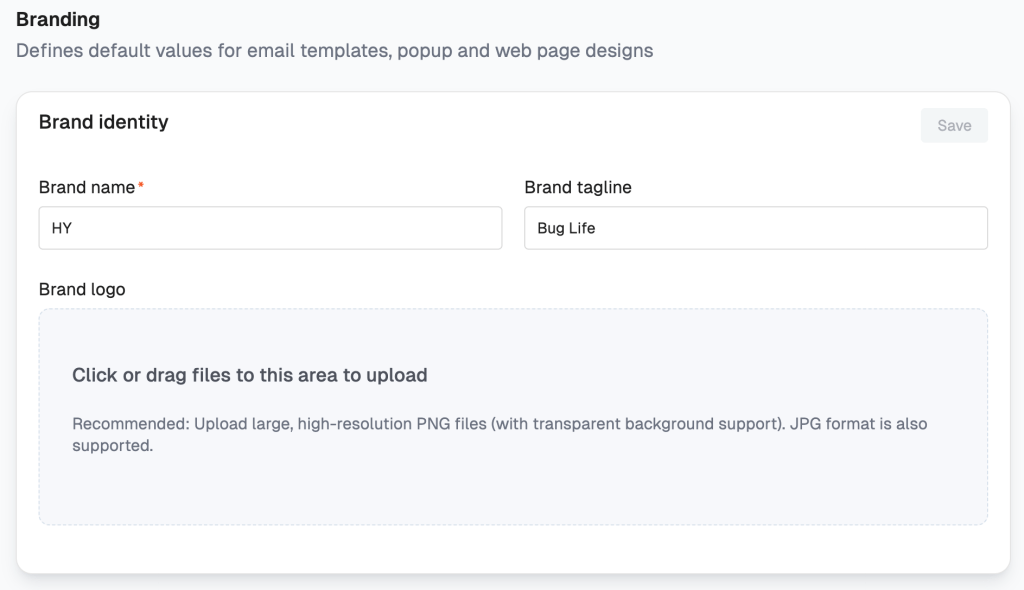
- Brand name (Required): Enter the official name of your company or brand. This is often used in footers and default text areas.
- Brand tagline: Add a short, memorable slogan or tagline that represents your brand’s mission or vibe (e.g., “Bug Life”).
- Brand logo: Click or drag and drop your logo file into the upload area.
- Best Practice: We highly recommend uploading large, high-resolution PNG files with transparent backgrounds so your logo looks great over any background color. Standard JPG files are also supported.
Brand Colors & Button Style
Color plays a massive role in brand recognition. FosterFlow allows you to set a default color palette using standard HEX codes (e.g., #D67575).
Brand Colors
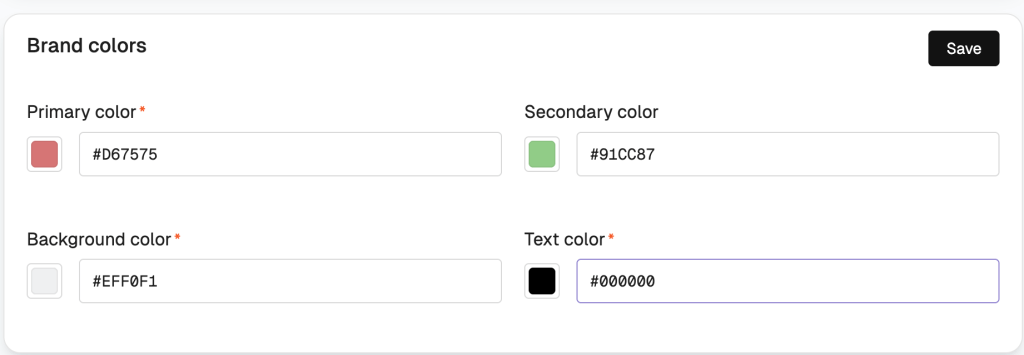
- Primary color (Required): This color is typically used for strong visual elements like headings or prominent highlights.
- Secondary color: Used for accents, secondary links, or subtle background highlights.
- Background color (Required): The default background color for the canvas of your emails and forms.
- Text color (Required): The primary color for your body text. We recommend a high-contrast color against your background for optimal readability.
Button Style
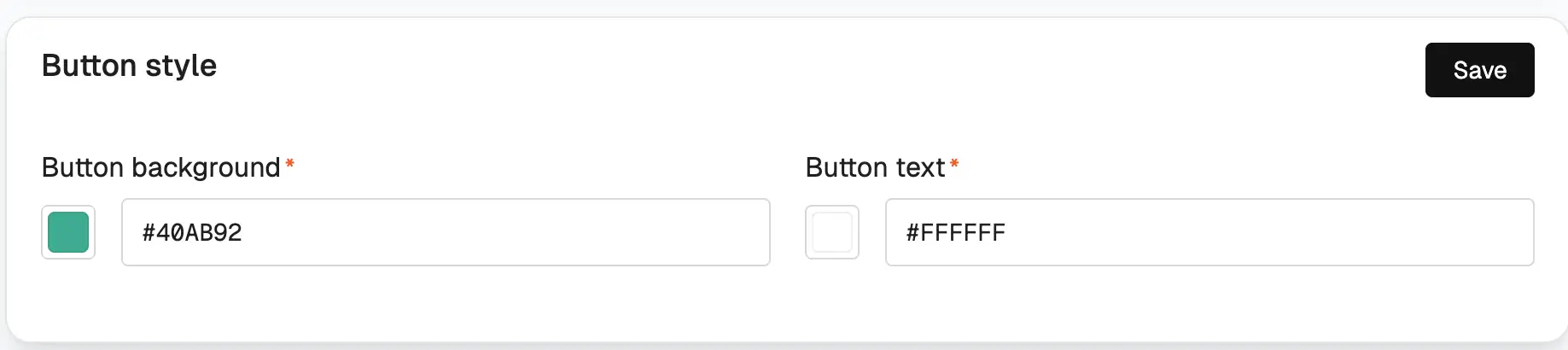
Ensure your Calls-to-Action (CTAs) stand out while remaining on-brand.
* Button background (Required): The main fill color of your buttons.
* Button text (Required): The color of the text inside the button. Ensure it contrasts well with the button background.
Typography
Consistent fonts are crucial for readability and maintaining your brand’s aesthetic. You can select from standard web-safe fonts or upload your own custom fonts.
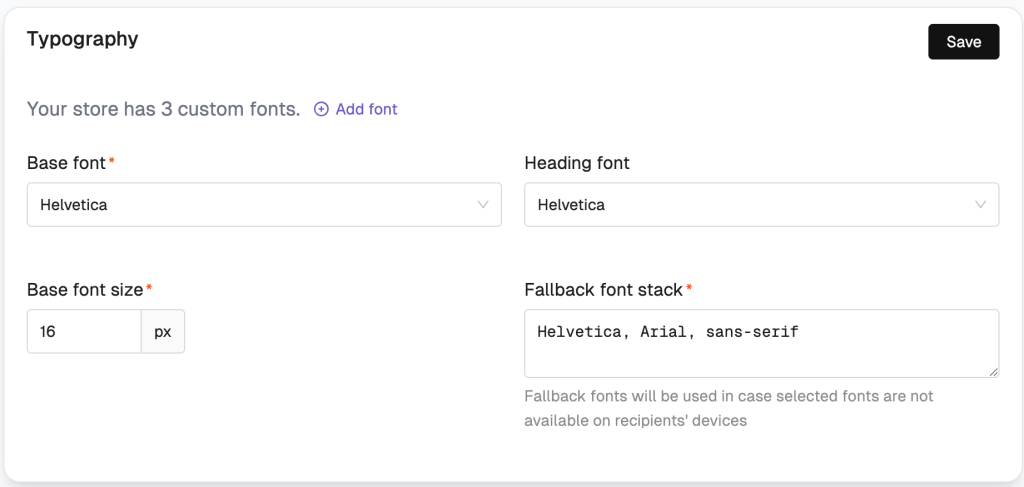
- Base font (Required): The primary font used for your standard body paragraphs.
- Heading font: The font specifically designated for titles and headers to create visual hierarchy.
- Base font size (Required): Define the default size of your body text in pixels (px). A standard size is usually between
14pxand16px. - Fallback font stack (Required): Not all email clients support every font. Provide a prioritized, comma-separated list of standard CSS fonts (e.g.,
Helvetica, Arial, sans-serif). FosterFlow will use these fallback fonts just in case your primary selected fonts are not available on the recipient’s device.
Branding Preview
No need to guess how your settings will look together. FosterFlow provides a real-time preview card on the right side of your screen.

This live preview instantly mirrors the typography, colors, and button styles as you configure them. You can watch your logo, headings, body text, and CTA buttons update on the fly. This allows you to easily fine-tune your brand feel and ensure perfect harmony before hitting the Save button.