
How to Do Ecommerce Email Marketing (2026)

Ecommerce email marketing in 2026 means sending the right message when a customer’s behavior tells you they’re ready to hear it — not blasting your whole list on Tuesday at 10 AM and hoping for the best. If you’re running a Shopify store, your email strategy should connect directly to what people do on your site: what they browse, what they abandon, what they buy, and what they ignore.
This guide breaks down the specific tactics, flows, and segmentation approaches that actually move revenue for online stores right now. Not theory. Not “best practices” recycled from 2019. What’s working in 2026, with real numbers where we have them.
Start With Behavior-Triggered Flows
A behavior-triggered email flow fires when a customer does something specific — adds an item to cart, views a product three times in a week, or hasn’t opened an email in 90 days. These flows outperform batch campaigns by 3–8× on revenue per recipient, according to Klaviyo’s 2025 Ecommerce Benchmark Report.

Here’s why: timing. Someone who abandoned checkout 45 minutes ago is in a completely different mental state than someone who gets your weekly newsletter. The abandoned cart email isn’t better because of the copy (though that matters). It’s better because the moment is right.
The five flows every Shopify store needs before doing anything else:
1. Welcome series — 2–3 emails after signup, introduces your brand and offers a first-purchase incentive
2. Abandoned cart recovery — triggered 30–60 minutes after cart abandonment, followed by a second email 24 hours later
3. Post-purchase follow-up — order confirmation, shipping update, then a review request 7–14 days after delivery
4. Browse abandonment — fires when someone views a product 2+ times without adding to cart
5. Win-back sequence — targets customers who haven’t purchased in 60–90 days
If you’re curious how real brands structure these sequences, we’ve collected 10 email marketing automation examples that show exact timing and messaging frameworks.
You don’t need all five running perfectly on day one. Start with abandoned cart and welcome series — those two alone can recover 5–15% of otherwise lost revenue. Build from there.
Segmentation That Updates Itself
Static segments are dead weight. You create a “VIP customers” list in January, and by March half those people haven’t bought anything in 60 days. They’re not VIPs anymore. They’re at-risk.

Dynamic segmentation — where customer segments update automatically based on real-time Shopify events — changes the game entirely. When someone makes their third purchase, they move into your repeat buyer segment instantly. When someone’s average order value crosses $150, they get different messaging than your $35 AOV customers.
FosterFlow builds these segments directly from Shopify’s Events API, which means every add-to-cart, every checkout completion, every refund request updates your segments in real time. No CSV exports. No manual list management. No stale data.
| Segment Type | Update Trigger | Example Use |
|—|—|—|
| Purchase frequency | Every order event | Move 3× buyers to VIP flow |
| Cart behavior | Add-to-cart / abandonment | Target serial abandoners differently |
| Browse history | Product page views | Recommend related products |
| Engagement level | Email opens/clicks (30 days) | Suppress unengaged from promos |
| Spend tier | Order total crosses threshold | Offer exclusive early access |
One thing that doesn’t get talked about enough: segmentation isn’t just about sending more relevant emails. It’s about sending fewer emails to people who don’t want them. Your deliverability score depends on engagement rates. Every email you send to someone who ignores it trains Gmail and Yahoo to route you toward the Promotions tab — or worse, spam.
AI-Powered Send Time Optimization
When should you send that abandoned cart email? The common advice says “within an hour.” But that’s a population-level average, not an individual-level truth.

Some of your customers check email at 6 AM before work. Others scroll at 11 PM in bed. A few — usually B2B buyers browsing on lunch breaks — engage heavily between noon and 1 PM. Sending every triggered email at the same delay ignores all of this.
This is where AI email marketing tools earn their keep. FosterFlow’s AI analyzes each customer’s historical open patterns and optimizes delivery windows at the individual level. Not “Tuesday mornings work best for your list.” More like: “This specific customer opens 73% of emails received between 9:15 and 9:45 PM EST.”
The revenue impact isn’t subtle. Internal FosterFlow data from Q1 2026 shows merchants using AI send-time optimization see 22% higher open rates and 14% more clicks compared to fixed-schedule sends. That compounds fast across an email list of 10,000+ contacts.
AI also handles content recommendations now. Based on a customer’s purchase history and browse behavior, FosterFlow can suggest which products to feature in each email — and which subject line patterns that individual responds to. (A customer who clicks on curiosity-gap subject lines like “You left something behind…” responds differently than one who prefers direct value statements like “15% off your cart — ends tonight.”)
One caveat: AI optimization needs data. If you have 200 subscribers and launched last month, the AI doesn’t have enough signal to outperform common-sense timing. You need roughly 1,000+ contacts with 60+ days of engagement history before individual-level optimization becomes meaningfully better than list-level averages.
Ecommerce Email Marketing Content
Your email content strategy in 2026 should follow a rough 60/20/20 split:

- 60% value-driven — product education, usage tips, behind-the-scenes content, style guides
- 20% promotional — sales, discounts, limited-time offers
- 20% transactional/relational — order updates, review requests, loyalty program updates
That ratio might feel wrong if you’re used to treating your email list as a discount distribution channel. But merchants who over-index on promotions train their audience to wait for sales. Outdoor Voices learned this the hard way in 2023–2024 — their email list became so discount-conditioned that full-price conversion rates dropped 30% year-over-year (reported by Retail Dive, March 2024).
Your best-performing ecommerce email marketing campaigns in 2026 will be the ones that feel like they were written for a person, not a segment. That means:
Subject lines that reference behavior. “Still thinking about the Merino pullover?” beats “New arrivals just dropped” every time. The first one proves you’re paying attention. The second one could come from literally any brand.
Product photography that matches the email context. A browse abandonment email should show the exact product someone viewed, not your homepage hero banner. If someone looked at the blue version, show the blue version.
Mobile-first design. Litmus’s 2025 Email Client Market Share report shows 68% of ecommerce emails are opened on mobile. Yet most email templates are still designed desktop-first and “responsively adapted.” Start with a single-column, thumb-friendly layout. Test on an actual phone before sending.
If you want specific tactics for your abandoned cart email practices, we’ve broken down 12 examples with exact subject lines, timing, and design patterns that convert.
Connecting Email to Other Channels
Email doesn’t work in isolation anymore. Your customer sees an Instagram ad, visits your site, gets a browse abandonment email, clicks through, adds to cart on mobile, gets distracted, receives an SMS reminder, and finally converts on desktop. That’s five touchpoints across four channels.
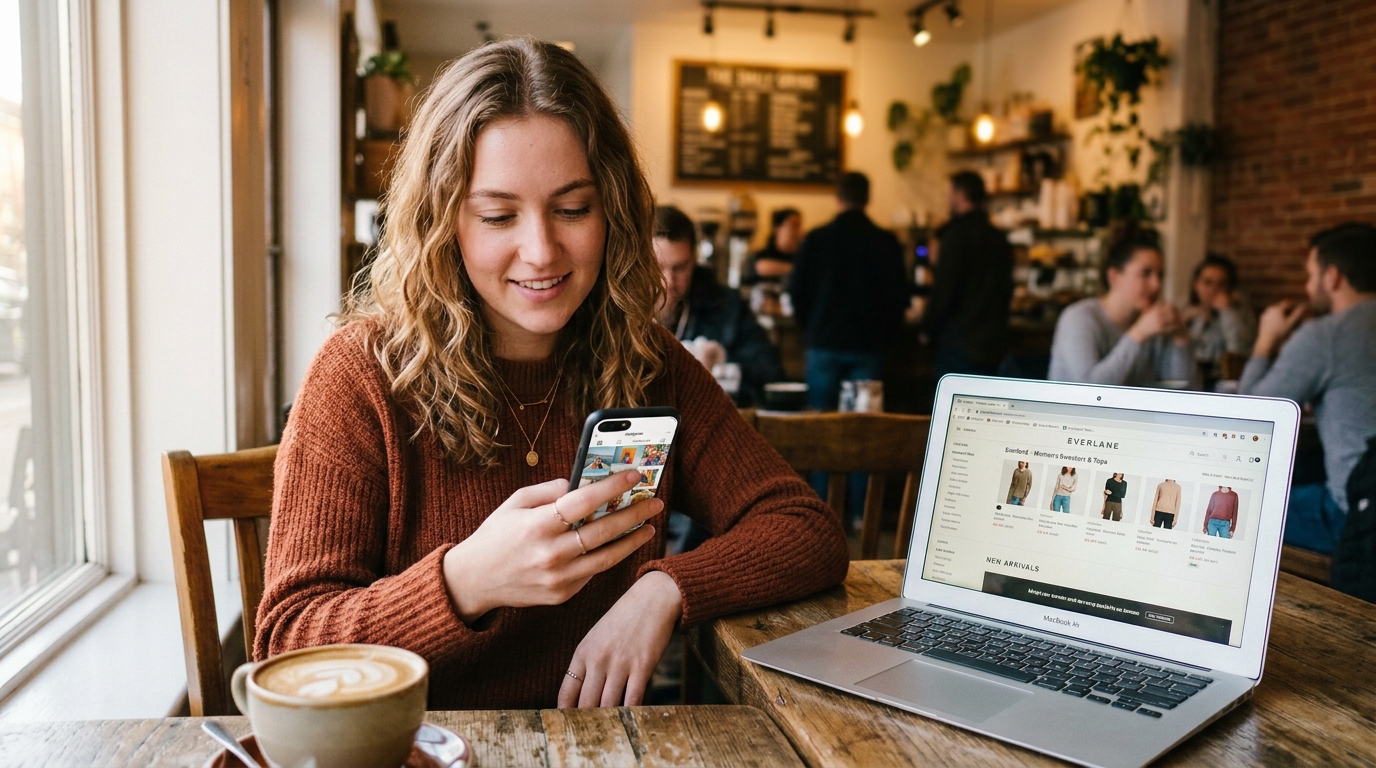
Understanding how omnichannel vs multichannel strategies differ matters here. Multichannel means you’re present on email and SMS and social. Omnichannel means those channels share data and coordinate messaging. The difference between “we sent an SMS and an email about the same cart” versus “we sent an SMS because they didn’t open the email.”
FosterFlow’s Shopify email marketing integration connects directly to your store’s event stream, so your email flows know what happened on other channels. If a customer already converted via SMS, the abandoned cart email suppresses automatically. This sounds basic, but a surprising number of merchants still blast cart recovery emails to people who already purchased — and nothing kills trust faster.
Two numbers to watch when measuring cross-channel email performance:
- Assisted conversion rate — emails that contributed to a sale but weren’t the last click (Google Analytics 4 tracks this under “assisted conversions”)
- Channel overlap suppression rate — what percentage of emails were correctly suppressed because the customer converted elsewhere
Measuring What Actually Matters
Open rates are a vanity metric in 2026. Apple’s Mail Privacy Protection (launched 2021, now covering ~55% of email opens per Litmus data) means your open rate is inflated by Apple’s proxy pre-fetching. You can’t trust it as an engagement signal.

Focus on these instead:
| Metric | Why It Matters | Benchmark (Ecommerce) |
|—|—|—|
| Click rate | Actual engagement with content | 2.5–3.5% |
| Revenue per email sent | Direct ROI measurement | $0.08–$0.18 |
| List growth rate | Health of acquisition | 3–5% monthly |
| Unsubscribe rate | Content relevance indicator | Below 0.3% |
| Spam complaint rate | Deliverability health | Below 0.08% |
Revenue per email sent is the single most useful number for ecommerce email marketing because it captures both engagement and conversion quality. A 50% open rate means nothing if nobody buys. A 15% open rate on a win-back flow that generates $0.45 per send is a money machine.
Set up UTM parameters on every email link. Use consistent naming: utm_source=fosterflow&utm_medium=email&utm_campaign=[flow-name]. Without this, Google Analytics 4 will lump your email traffic into “direct” or “(other)” and you’ll have no visibility into which flows drive revenue.
FAQ
What is ecommerce email marketing?
Ecommerce email marketing is the practice of sending targeted, automated emails to online store customers based on their shopping behavior, purchase history, and engagement patterns to drive sales and build customer loyalty.
How many emails should I send per week?
Most Shopify stores perform best at 2–4 emails per week total (including automated flows). Sending more than 5 weekly emails typically increases unsubscribe rates above the 0.3% healthy threshold.
When should abandoned cart emails send?
Send the first abandoned cart email 30–60 minutes after abandonment. A second follow-up 24 hours later recovers an additional 5–8% of carts that the first email missed.
Do I need a large list to start?
No. You can start email marketing with as few as 100 subscribers. Behavior-triggered flows like cart abandonment work at any list size since they target specific actions, not list volume.
What’s a good email marketing ROI?
The Data & Marketing Association’s 2025 report puts average ecommerce email ROI at $36–$42 per dollar spent. Stores with well-built automation flows consistently outperform those relying only on manual campaigns.
Ready to build ecommerce email flows that run on real Shopify data? FosterFlow installs in under 5 minutes, includes every feature on all paid plans, and offers a free plan with no credit card required. Connect your store and launch your first behavior-triggered flow today at fosterflow.ai.