
9 Must-Have Email Automations for Every Shopify Store
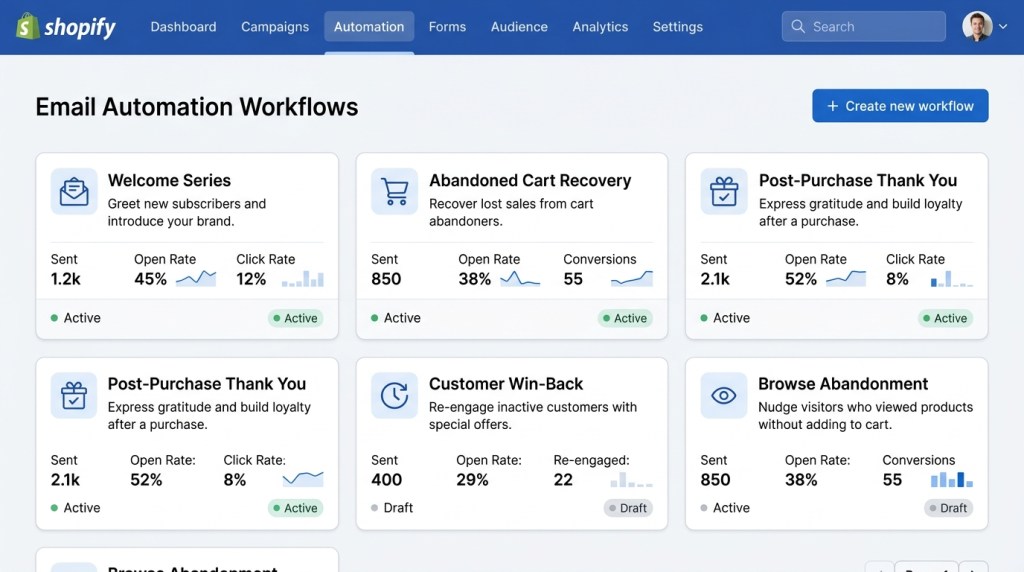
Most Shopify merchants spend their time on campaigns — the newsletters, the flash sales, the holiday sends. And while campaigns matter, they only reach people when you push send.
Email automations are different. They run in the background, triggered by what your customers actually do — or don’t do. Set them up once and they compound revenue month after month without any additional effort on your part.
The data backs this up: automated emails generate 320% more revenue per email than non-automated sends, according to Campaign Monitor benchmarks. For Shopify stores specifically, flows account for anywhere from 30% to 60% of total email revenue.
If you haven’t built these out yet, this guide covers the 9 automations that every Shopify store needs — what they do, when they trigger, and how to make each one work harder.
What Makes an Email “Automated”?
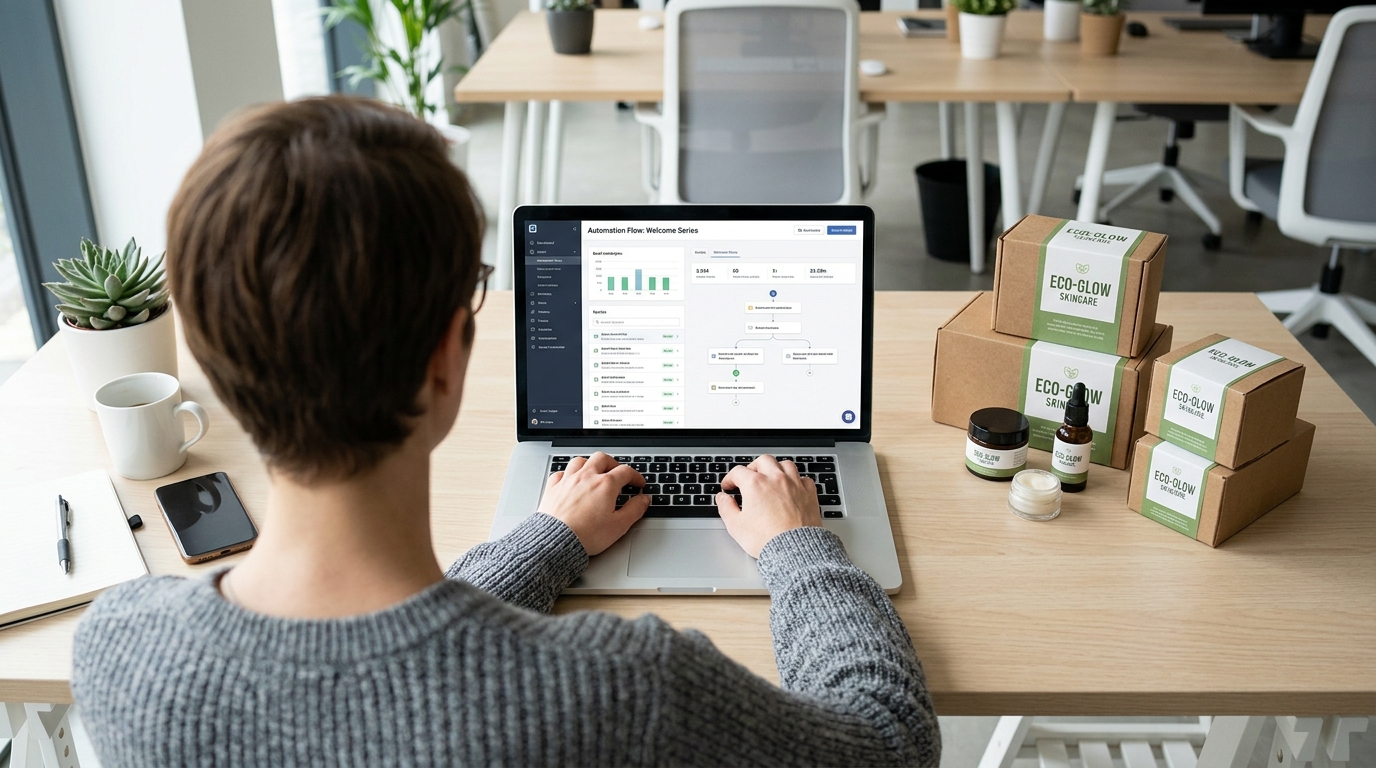
Before diving in: an automated email (or flow) fires based on a trigger — a customer action, a time delay, or a data condition — rather than a manual send date. The triggers connect directly to your Shopify store data: purchases, browsing behavior, cart activity, customer segments.
This is why native Shopify integration matters. Tools like FosterFlow sync directly with Shopify’s Events API, which means your automations have access to real-time data — product views, cart updates, order history — without any manual exports or third-party connectors.
1. Abandoned Cart Recovery
Revenue impact: High | Setup complexity: Low
Roughly 70% of online shopping carts are abandoned before checkout. That’s not a traffic problem — it’s a recovery opportunity.
A well-built abandoned cart flow typically runs 3 emails:
- Email 1 (1 hour after abandonment): Simple, direct reminder. Show the cart contents, make it easy to return. No discount yet.
- Email 2 (24 hours after abandonment): Address the hesitation. Add social proof — reviews for the specific product, a trust badge, a returns policy reminder.
- Email 3 (72 hours after abandonment): Introduce a small incentive if the value justifies it. A 10% discount or free shipping often tips the decision.
Subject lines that work: “You left something behind,” “Still thinking it over?”, “Your cart is about to expire.”
Stores that implement a 3-email cart sequence consistently see 5–15% of abandoned carts recovered, depending on product category and average order value.
2. Welcome Series

Revenue impact: Very High | Setup complexity: Medium
New subscribers are at peak interest. They just opted in — they’re curious about your brand, they want to hear from you, and they’re far more likely to open than your average list member.
A welcome series is the highest-ROI automation most stores don’t have properly built. The first email alone typically generates open rates of 50–60%, compared to 20–25% for standard campaigns.
Your welcome series should do four things in sequence:
1. Deliver on whatever you promised at signup (discount, freebie, lead magnet)
2. Tell your brand story and why it matters
3. Introduce your best-selling products
4. Create urgency around that initial offer before it expires
More on this in our dedicated guide to building a 5-step welcome sequence that converts.
3. Post-Purchase Follow-Up
Revenue impact: Medium-High | Setup complexity: Low
The moment after a purchase is one of the highest-trust moments in your customer relationship. Use it.
A post-purchase sequence should:
- Day 1: Order confirmation with what to expect (shipping timeline, tracking info). This is expected — make it on-brand.
- Day 3–5: Shipping confirmation or “your order is on the way” email. Include usage tips or what to do when it arrives.
- Day 10–14: Ask for a review. Time this to when the product has arrived and been used.
- Day 21–30: Cross-sell or upsell based on what they bought. If someone bought a coffee grinder, recommend filters or beans.
The cross-sell email in this sequence is where the revenue multiplies. Customers who have already purchased convert at 3–5x the rate of new visitors.
4. Win-Back (Re-Engagement) Flow
Revenue impact: Medium | Setup complexity: Low
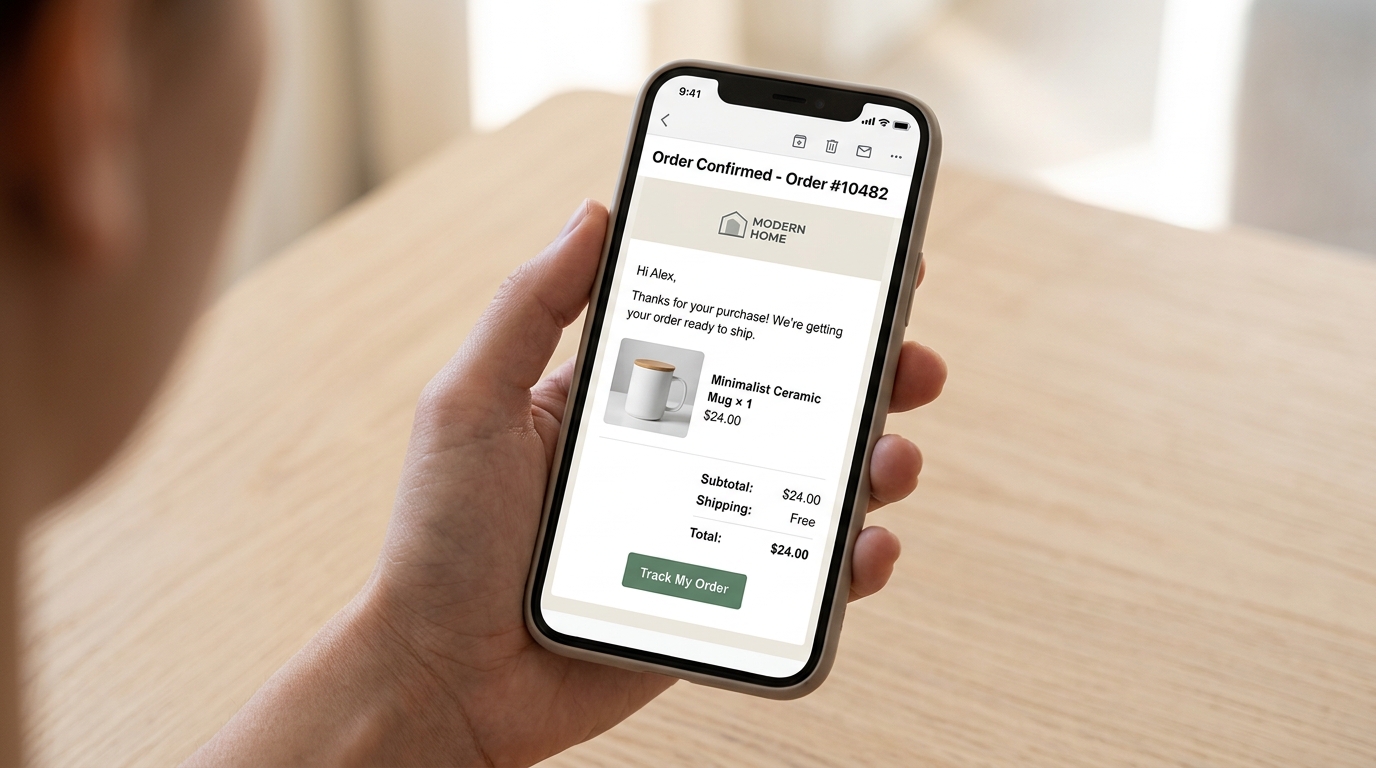
Every list has segments that have gone cold — customers who haven’t opened an email or placed an order in 90, 120, or 180 days. Win-back flows try to reactivate them before they become permanently disengaged (or before you damage deliverability by emailing them).
A win-back sequence typically looks like this:
- Email 1: “We miss you” — soft re-engagement with a look at what’s new
- Email 2: A stronger incentive — your best offer, clearly stated
- Email 3: Final notice — “This is your last email from us unless you’d like to stay subscribed”
The third email (sometimes called the “sunset email”) is counterintuitive but effective. It generates re-engagement from people who respond to scarcity, and it keeps your list clean by removing truly inactive contacts — which protects your sender reputation.
Expect to reactivate 5–15% of dormant contacts with a well-timed win-back flow.
5. Browse Abandonment
Revenue impact: Medium | Setup complexity: Low
Browse abandonment fires when someone views a product page (or multiple product pages) but doesn’t add anything to their cart. It’s earlier in the funnel than cart abandonment, so conversion rates are lower — but the volume is much higher, since most visitors browse without ever adding to cart.
Best practices:
- Trigger after 1–2 page views of the same product or category, not just any page view
- Wait 1–4 hours before sending — don’t fire immediately
- Show the specific product they viewed, not a generic “come back” message
- Use social proof — reviews, number of people who bought this week, stock levels
Browse abandonment emails typically convert at 2–5%, which sounds low until you factor in the volume.
6. VIP Rewards Flow
Revenue impact: Medium | Setup complexity: Medium
Your top 20% of customers typically drive 60–80% of revenue. If you’re treating them the same as everyone else, you’re leaving money on the table — and risking losing them to a competitor who recognizes their value.
A VIP flow triggers when a customer hits a spending threshold (say, $500 lifetime value, or 5+ orders).
What to send:
- A personalized “You’ve reached VIP status” email acknowledging their loyalty
- Early access to new products or sales
- A meaningful reward — store credit, a higher-value discount, a free gift
- Exclusive content or behind-the-scenes access
VIP customers who feel recognized show 2–3x higher retention rates. The economics of keeping a top customer far outweigh the cost of the reward.
With FosterFlow’s dynamic segmentation, you can automatically tag customers as VIP when they cross your threshold and trigger this flow instantly — no manual list management required.
7. Price Drop Alerts
Revenue impact: Medium | Setup complexity: Low
Some customers browse, want the product, but don’t buy because of price. Price drop alert emails reach them the moment that barrier is removed.
This flow triggers when you reduce the price on a product that a customer has:
- Viewed but not purchased
- Added to their wishlist
- Abandoned in their cart
Subject lines like “Price dropped on something you wanted” have some of the highest open rates of any automated email — because they’re genuinely useful and personally relevant.
Price drop alert emails consistently outperform browse abandonment emails in conversion rate because the barrier (price) has actually been addressed.
8. Back-in-Stock Notifications
Revenue impact: Medium | Setup complexity: Low
If a product sells out, you’re losing revenue twice: the immediate sale and the customer who might not come back. Back-in-stock emails solve both problems.
This flow works on an opt-in model: shoppers sign up to be notified when a product comes back. When stock is restored, the email fires automatically.
These emails have extraordinarily high conversion rates — often 20–30% — because you’re reaching someone who explicitly said “I want this.” The intent is already there; you’re just removing the availability barrier.
Tips for maximizing results:
- Send the notification within minutes of restock, not hours
- Create urgency — “Back in stock, but selling fast”
- Show stock quantity if limited: “Only 12 left”
- Consider a short exclusive window for waitlist subscribers before opening to the general public
9. Review Request Flow
Revenue impact: Indirect but significant | Setup complexity: Low
Reviews drive conversions at every stage of your funnel. A product with 50 reviews converts significantly better than the same product with 5 reviews. Review request automations are how you systematically build that social proof.
The timing matters more than most merchants realize:
- For physical goods: Send 7–14 days after confirmed delivery, when the product has been received and used
- For digital products: Send 1–3 days after delivery
- For subscription/replenishment products: Time to the typical usage cycle
Keep the email simple and direct. One clear ask, a direct link to leave a review, and a genuine thank-you. Don’t over-complicate it with other messages or offers.
A follow-up reminder email (sent to non-openers 3–5 days later) can increase review submission rates by 20–30%.
How to Prioritize Your Automation Buildout
If you’re starting from scratch, here’s the order that maximizes impact per hour of setup time:
1. Welcome series — highest open rates, highest intent
2. Abandoned cart — most direct revenue recovery
3. Post-purchase follow-up — builds retention and generates reviews
4. Win-back — list hygiene + revenue recovery
5. Browse abandonment, price drop, back-in-stock — higher volume, lower conversion
6. VIP rewards — highest long-term LTV impact
The good news: most of these take 30–60 minutes to set up properly. The better news: once they’re live, they run indefinitely.
Put It All Together with FosterFlow
Building all 9 of these automations from scratch sounds daunting, but it doesn’t have to be. FosterFlow comes with pre-built flow templates for each of these use cases, connected natively to your Shopify store data.
Because FosterFlow pulls directly from Shopify’s Events API, your triggers fire in real time — a customer browses a product, your browse abandonment flow activates immediately. A customer hits your VIP threshold, the reward email goes out within minutes.
You also get full visibility into how each flow is performing: revenue attributed, conversion rates, and A/B test results — all in one dashboard.
If you’re ready to stop leaving revenue on the table, install FosterFlow from the Shopify App Store and get your first automation live today. Most stores recover their first month’s subscription cost within the first week of having their cart flow running.
Related reading: [How to Set Up Abandoned Cart Emails in Under 10 Minutes](#) | [Welcome Email Series: A 5-Step Sequence That Converts](#)